30Sep
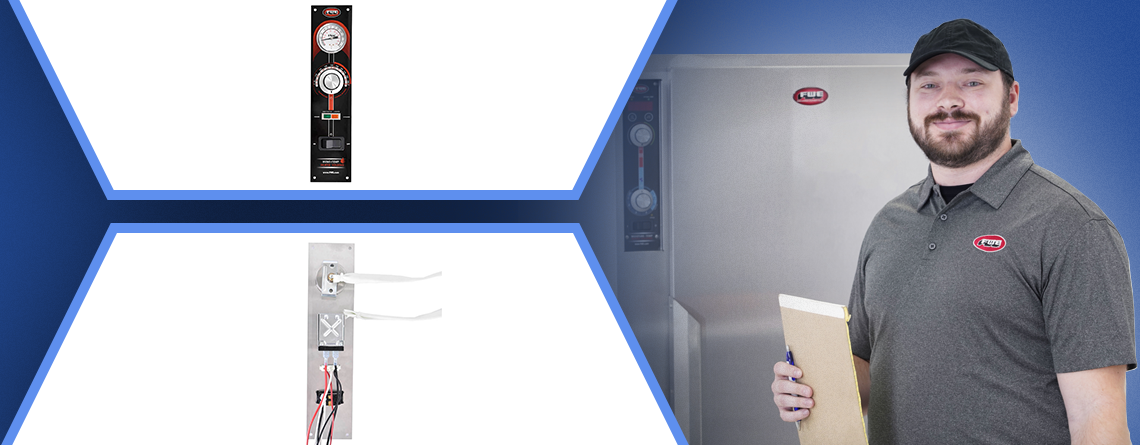
Service Bulletin: How to Convert Electronic Controls to Manual Controls on UHS, TS, & P Series FWE Models
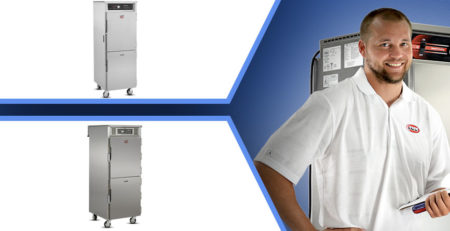
A Step-by-Step Guide to converting electronic to manual controls on UHS, TS, & P series FWE units
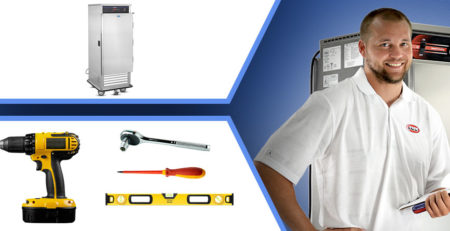
Tools & Parts Used in this Tutorial
- Flat Head Screwdriver
- Digital Temperature Sensor
- Conversion Kit # Z-500-1012
Parts Included in Conversion Kit
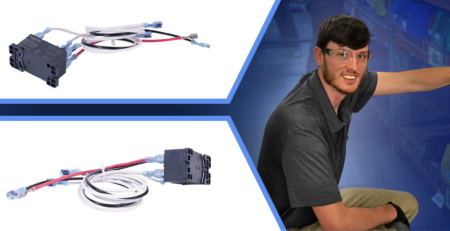
- 1 – Z-600-1014
- 2 – S8X8THUM
- 2 – SPLICE-CAP-INSULATORS
- 2 – SPLICE-CAP-CRIMP-CONNECTOR
- 4 – CBL TS UNITS
- 3 – PRE-INSUL-CRIMP-CONNECTOR
- 3 – CLP AL3-8
- 1 – 59837
Detailed Installation Instructions
- Turn power off to the unit and unplug.
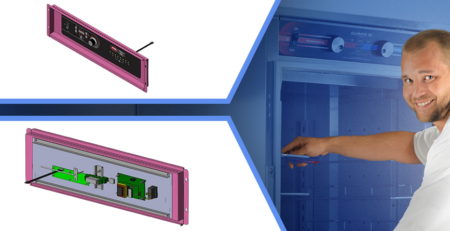
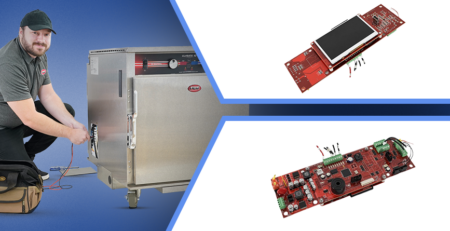
- Remove the old control board and old sensor.
- Carefully, do not bend these sharply, work the capillary tubes of the new thermostat and thermometer through the hole in the sidewall of the cabinet and mount with the aluminum clips provided as shown in the picture.
- T-Stat Calibration Video: View Video
- T-Meter Calibration Video: View Video
- IMPORTANT NOTE: Depending on the vintage of the unit being converted, the orange wire going up to the controls may need to be changed and put with the black wire from the cord.
- Wire the manual control exactly to the print included. This means you may need to reorganize the lower terminal block so the orange wire connects to line, not neutral. The unit should switch line side, not neutral!
- Do not use wire nuts. Use tightly crimped splice caps, included, to connect wires behind controls.
- Double check to make sure all connections are correct and tight.
- Reinstall the new control board back into the unit.
- Plug the unit in and power it up.
- Test the unit to confirm the new control board is operating correctly.
Need Assistance?
If you need further guidance or replacement parts, contact FWE’s support team at 800-222-4393 or [email protected] for personalized help. Your success is our priority, and we’re just a call or email away.